Sell Your iPhone in St Helens
Choose your iPhone for a quotation and arrange a St Helens collection with Selle. We confirm the model, capacity and condition with you, agree the price and complete payment before the local handover.
- Free local collection
- Home or workplace
- Price agreed with you
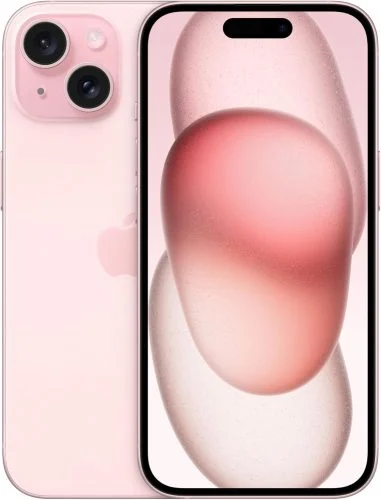
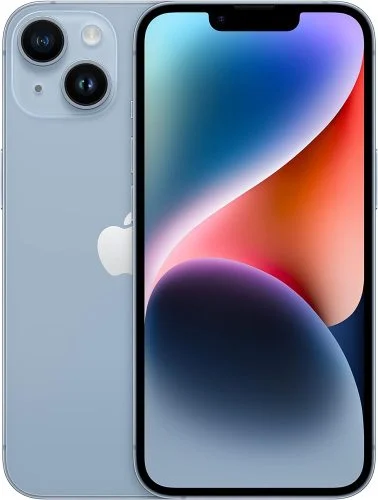
Find your iPhone model.
These are selected quotation links. The full directory includes additional versions, generations and capacities.
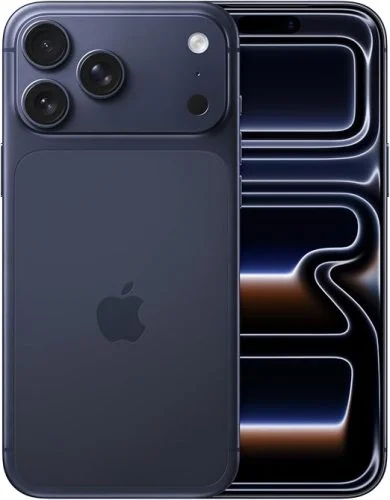
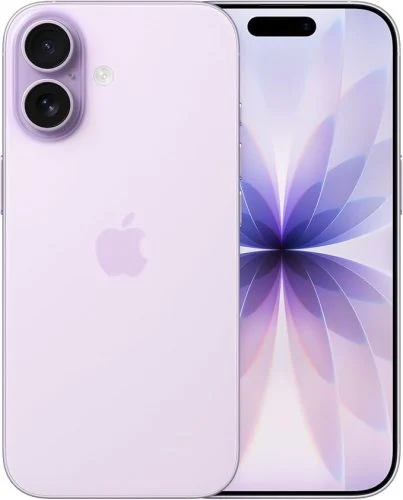
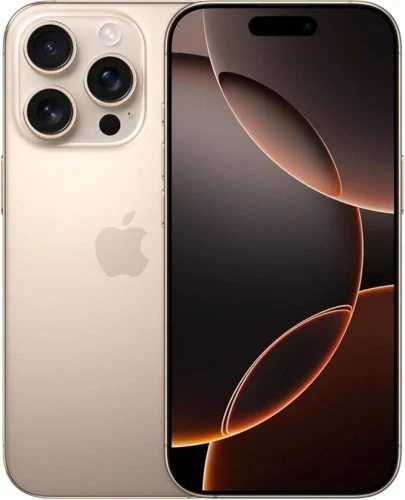
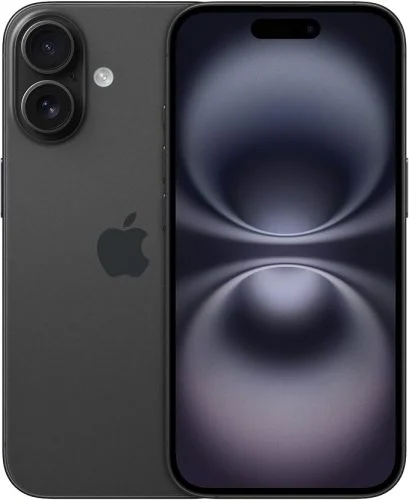
What matters for your iPhone quotation?
Use the actual handset details rather than a price advertised for a different version.
Model and capacity
Check the complete model name and storage. A Pro or Pro Max is a separate listing from a standard iPhone.
Condition and battery
Give the selected condition and accurate battery information. These details help us compare the phone with the original quotation.
Account status
Prepare your Apple Account and Find My settings for transfer. Tell us about any work or school management before the appointment.
The quoted amount is paid when the selected model, specification and condition match. If the details differ, any revised offer is explained before you choose whether to complete the sale.
Arrange your St Helens iPhone collection.
We arrange collections around St Helens Town Centre, Eccleston, Haydock, Rainford, Rainhill, Sutton, Thatto Heath, Billinge, Moss Bank and Newton-le-Willows. Send your postcode to confirm your address and appointment availability.
Our Liverpool-based team arranges local collections from homes, workplaces and other suitable agreed locations. Share your postcode and the device details so we can confirm a practical appointment.
Appointment times depend on availability and the route. We confirm the arrangements before travelling; same-day collection is not guaranteed.
Ask about your St Helens postcode →At the local handover
-
Confirm the device.
We check its model, specification and condition against the details supplied. -
Agree the price.
If anything differs, we explain it and any revised offer before you decide. -
Complete payment and handover.
Confirm cash or bank transfer when booking. Check your payment before handing over the device.
Get your iPhone ready for a new owner.
Make time to transfer your information and follow Apple’s selling checklist before the agreed appointment.
-
Back up and transfer.
Check the photos, messages and files you want to keep are accessible on your backup or new device. -
Remove account protection.
Follow Apple’s sign-out and erase steps. Enter account passwords yourself; do not share them with Selle. -
Move your mobile service.
Arrange any SIM or eSIM transfer with your network and remove your physical SIM before handover.
Frequently Asked Questions
Answers about selling your iPhone locally in St Helens.
Where Can I Sell My iPhone in St Helens?
Start with the iPhone directory, choose your exact handset and condition, then contact us with your postcode to arrange a suitable local collection.
Does the Pro or Pro Max Version Matter?
Yes. Select the exact version and capacity, as these are separate device specifications. Do not use the price of a different iPhone as your own quotation.
Can I Sell an Older iPhone?
Check the full iPhone directory for the models currently listed. If yours is not shown, ask us before choosing another model.
What About Find My and My Apple Account?
Back up your information and follow Apple’s preparation steps to remove your account and activation protection. You enter credentials yourself; we do not need your password.
Will the Quoted Price Change?
We pay the quote when the model, storage and condition match. If something differs at inspection, we explain any revised offer before you decide whether to proceed.
How Is the Local Sale Completed?
We confirm the handset and its condition with you, agree the sale and complete payment before handover. Confirm the appointment and payment method when booking.
Get your iPhone quote for St Helens collection.
Start with the exact device details and condition, then agree the local appointment and payment arrangements with Selle.