Sell My iPhone for Cash
Get an instant valuation for your Apple iPhone and sell from anywhere in the UK. Send your device securely by post, or choose our free collection service if you’re in Merseyside.
Instant valuation See what your iPhone is worth
UK mail-in Tracked postal trade-in
Merseyside collection We’ll come to your door
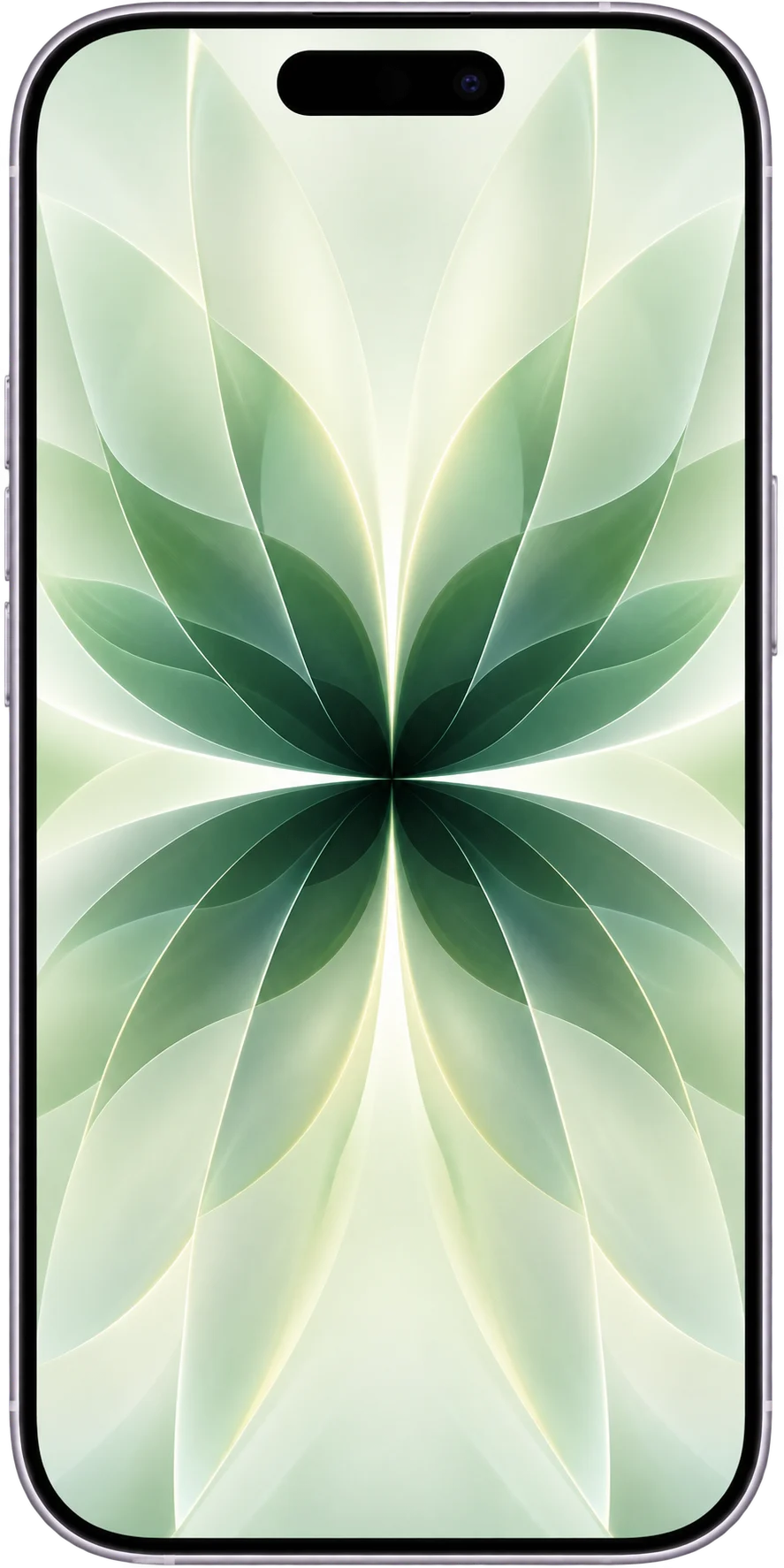
Choose your iPhone Select the exact model
Choose storage & condition See your valuation
Send or collect Choose the option that suits you
Get paid After your iPhone is confirmed
Choose Your iPhone
Select your exact iPhone model below, then choose its storage and condition to see your Selle valuation.
iPhone 17 Series
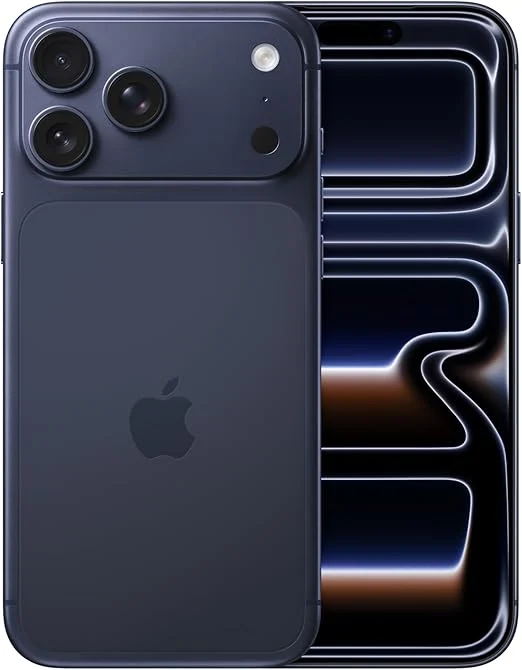
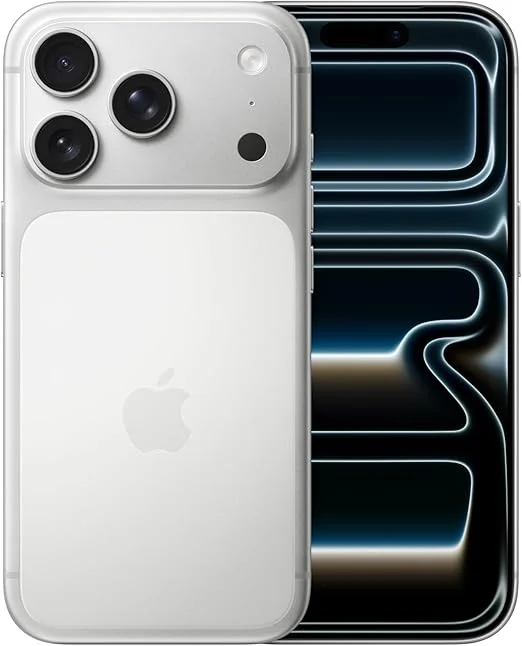
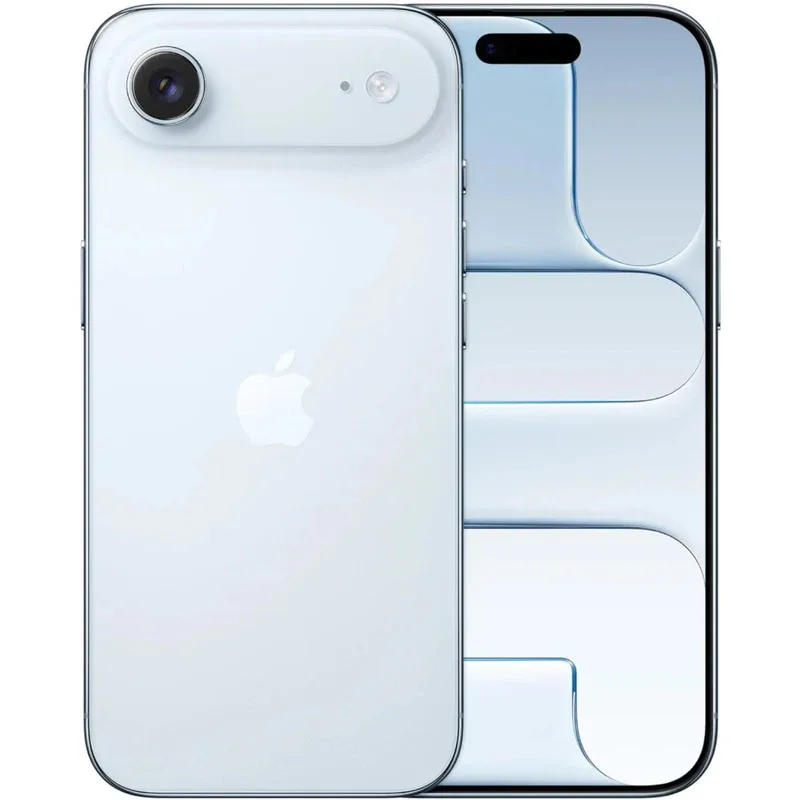
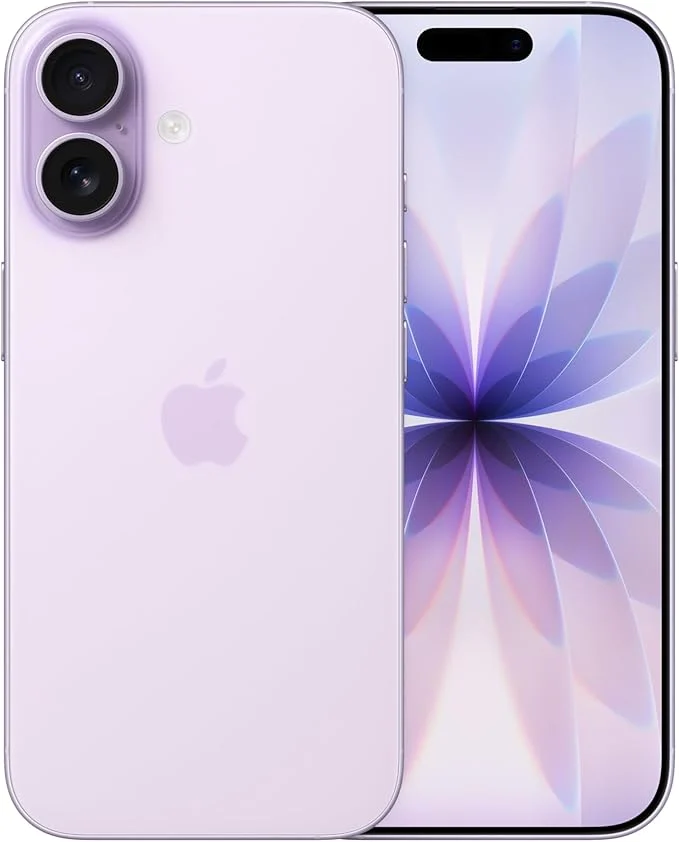
iPhone 16 Series
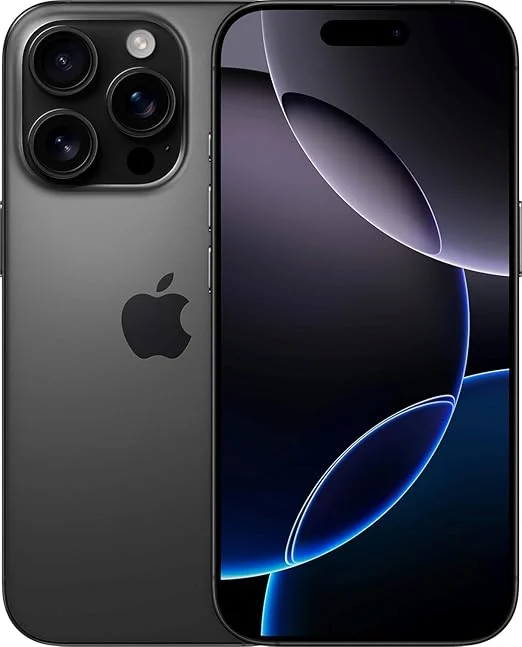
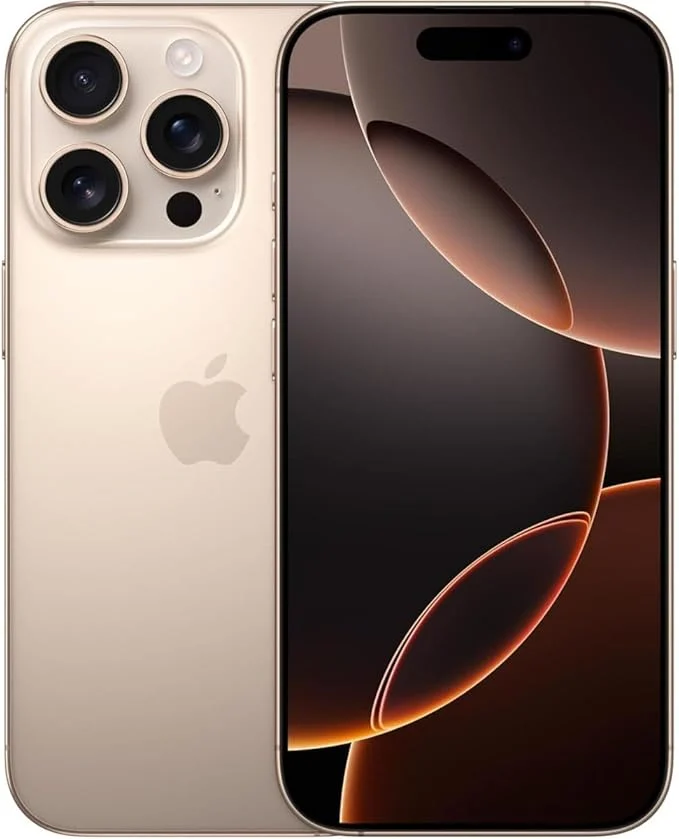
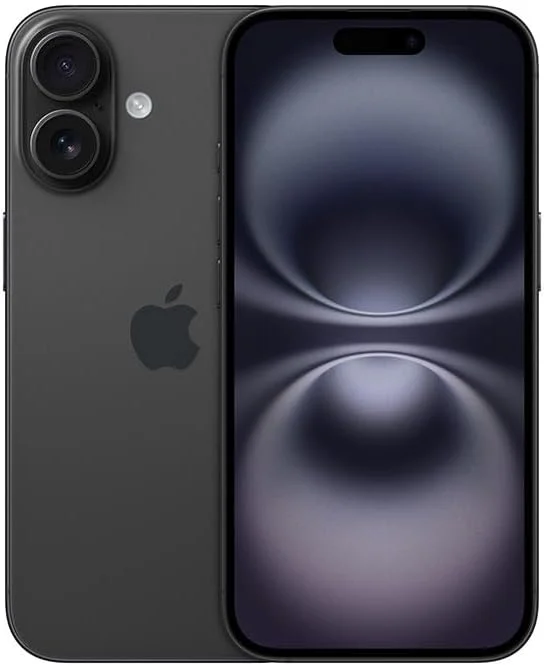
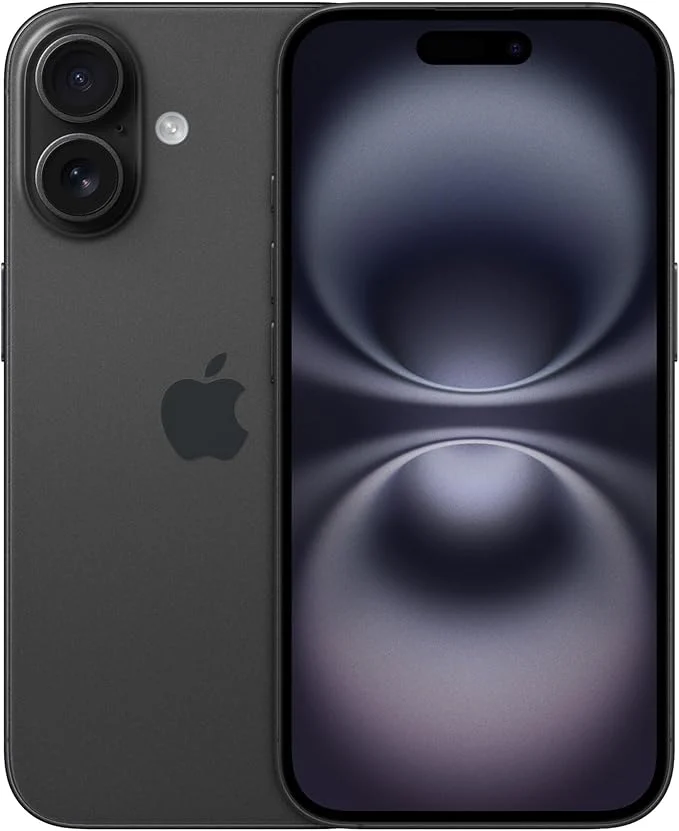
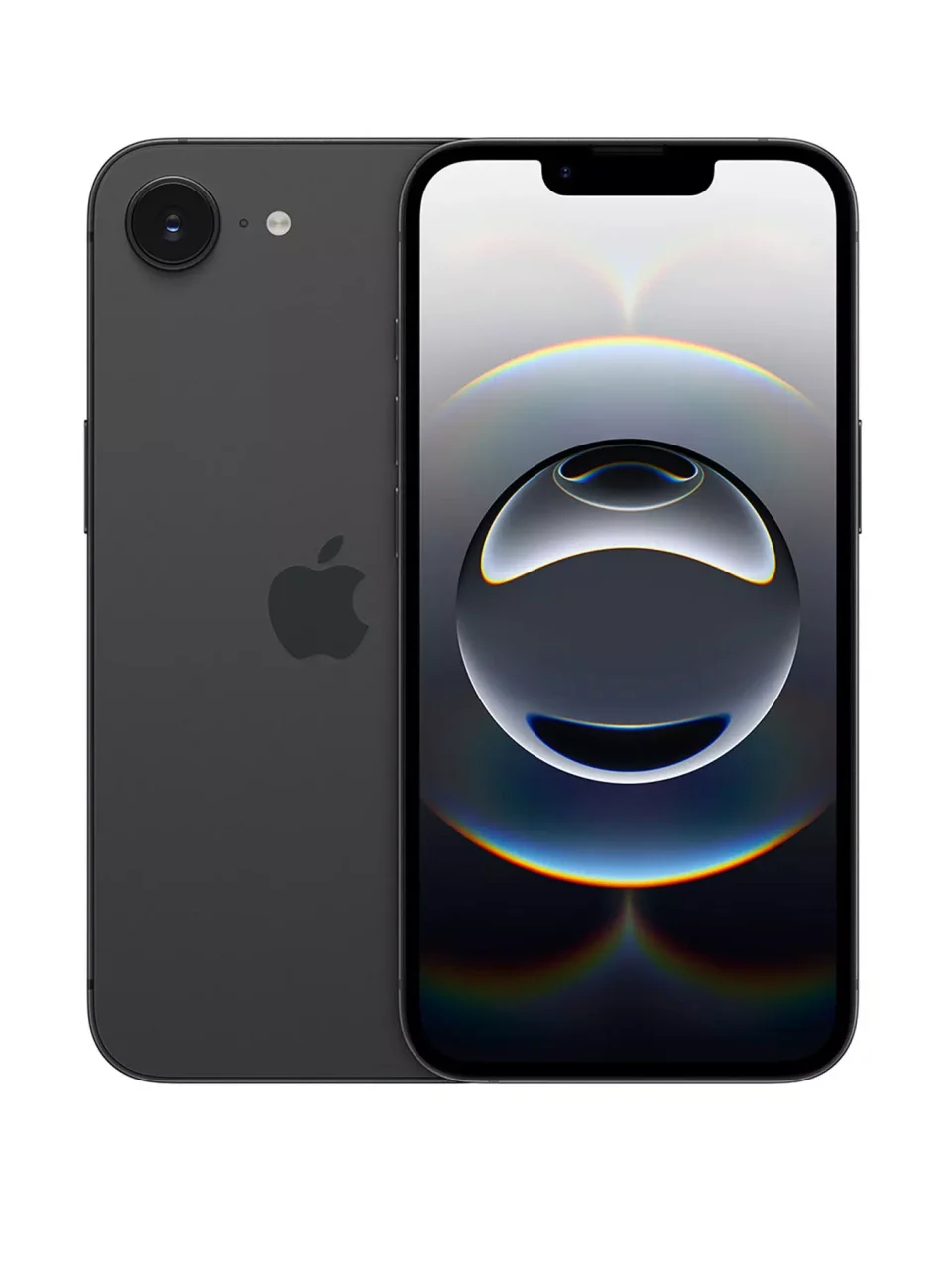
iPhone 15 Series
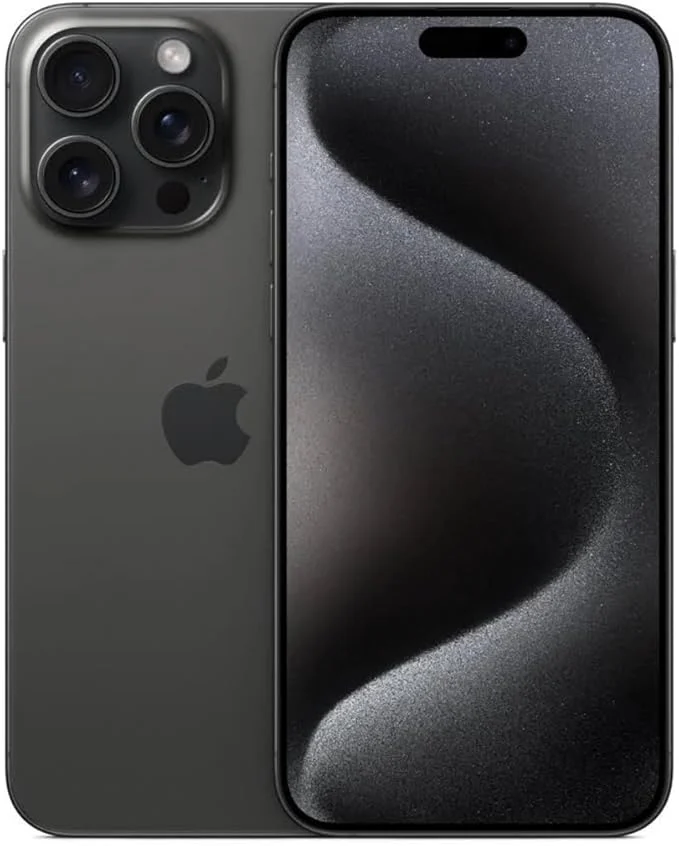
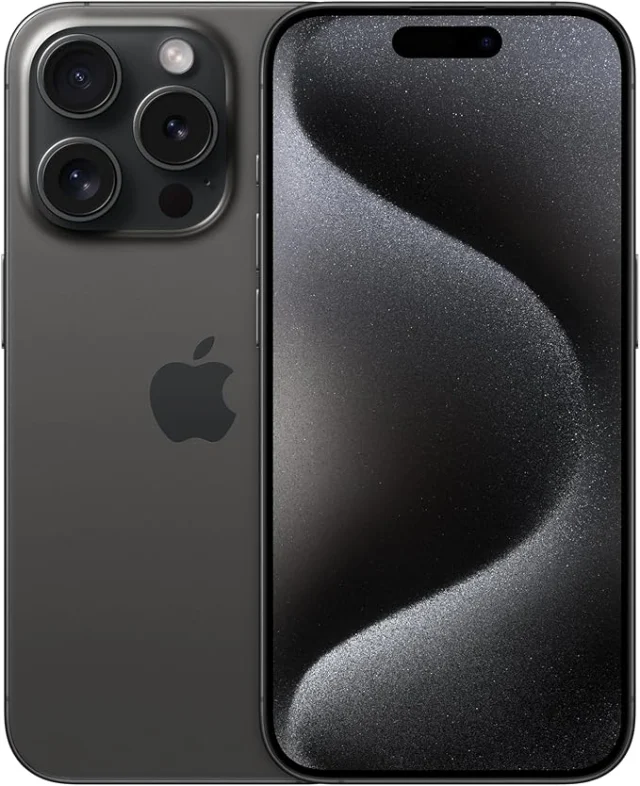
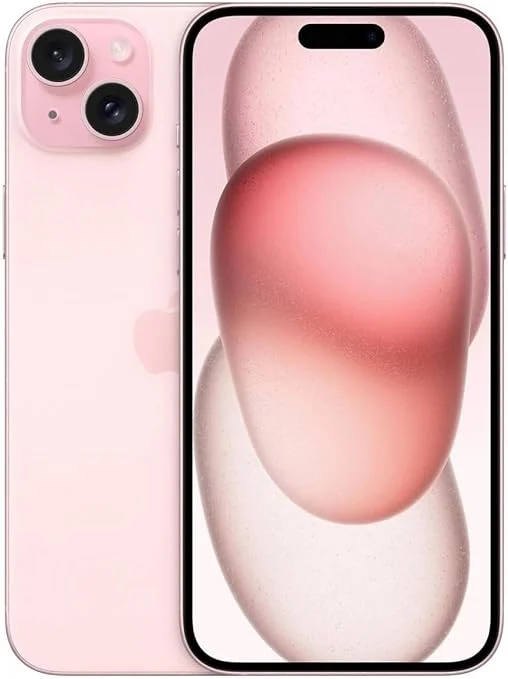
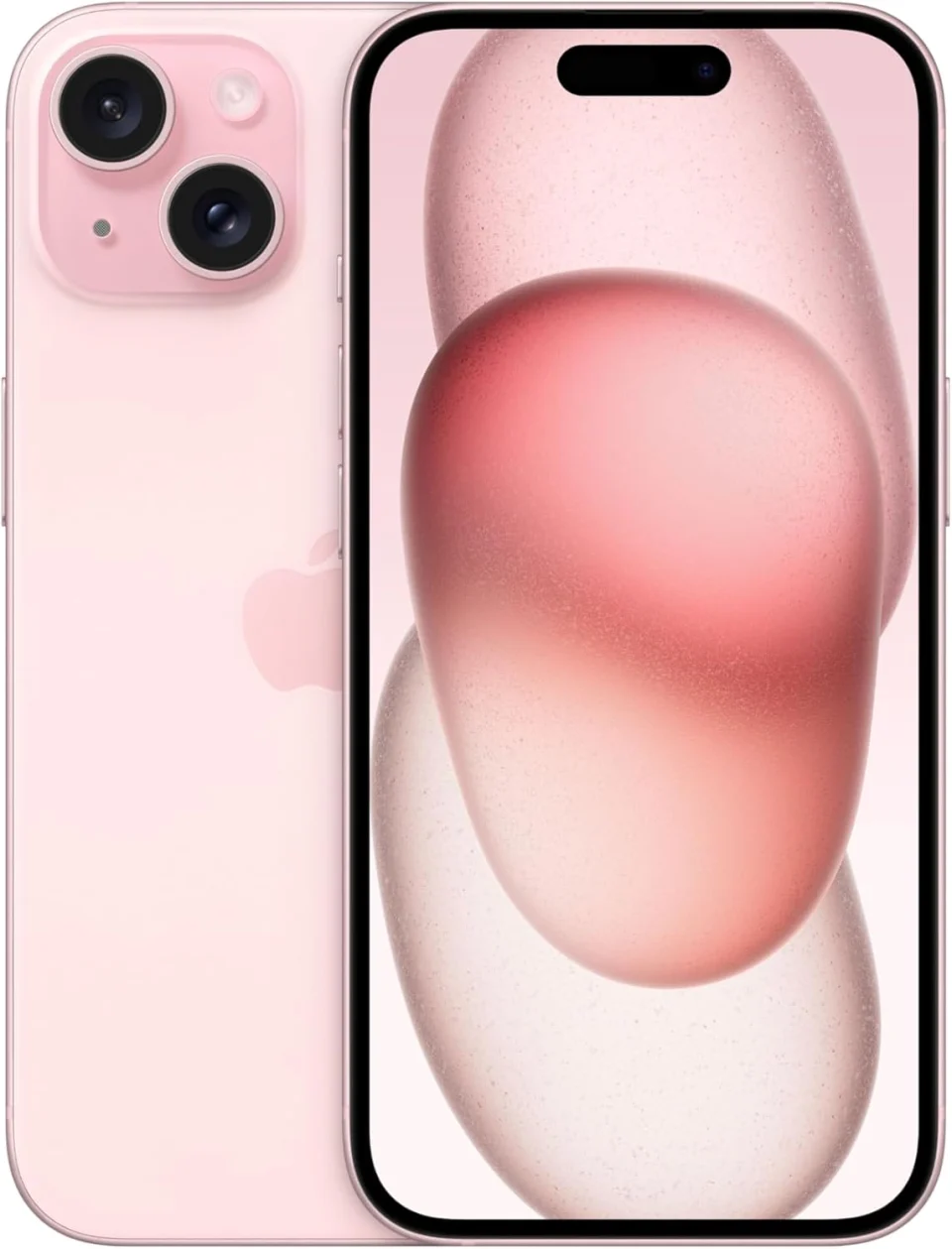
iPhone 14 Series
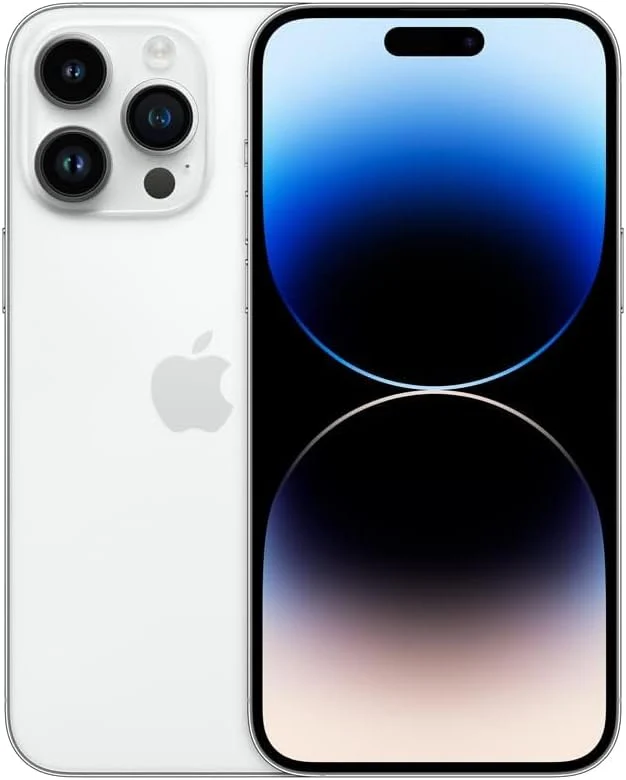
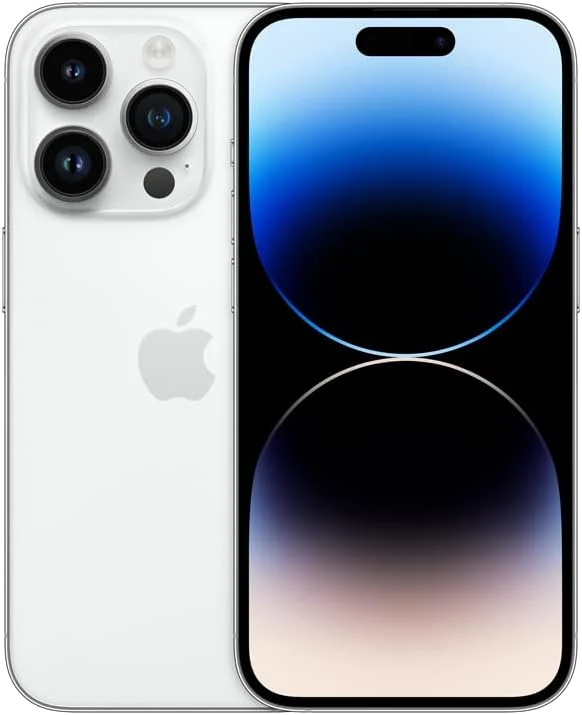
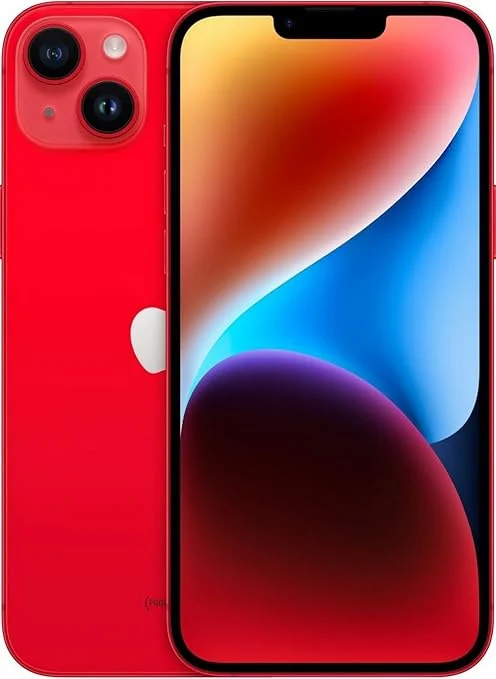
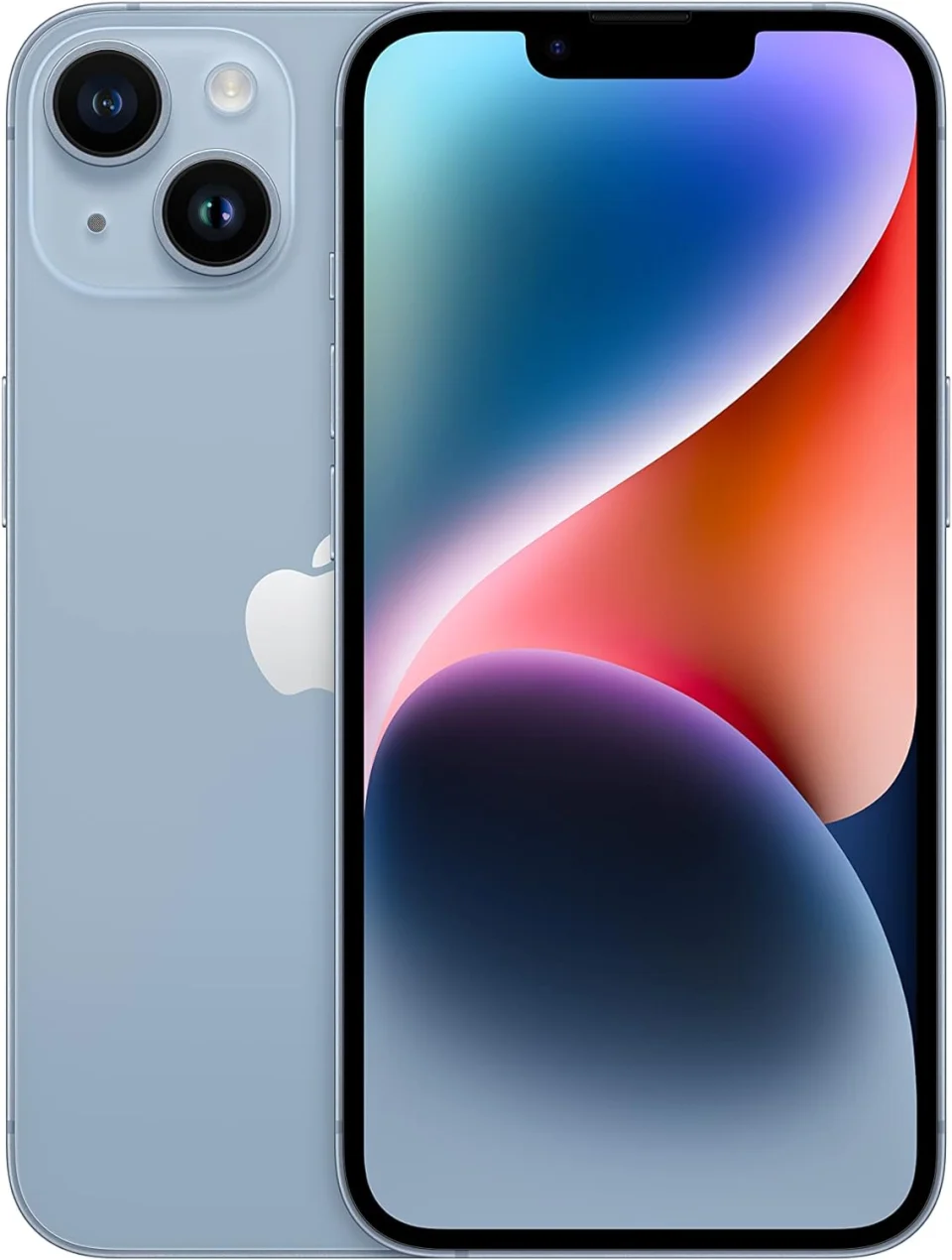
iPhone 13 Series
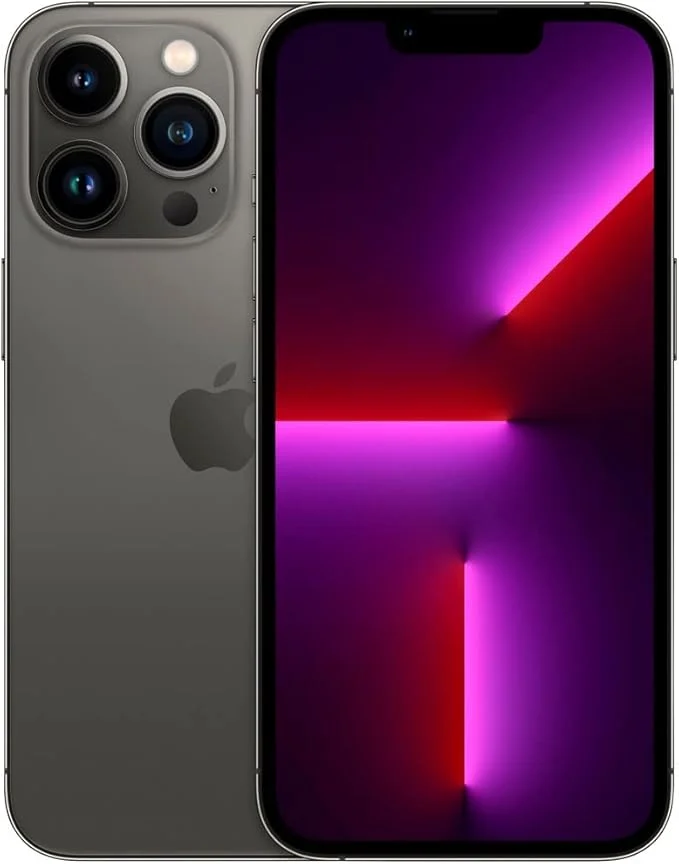
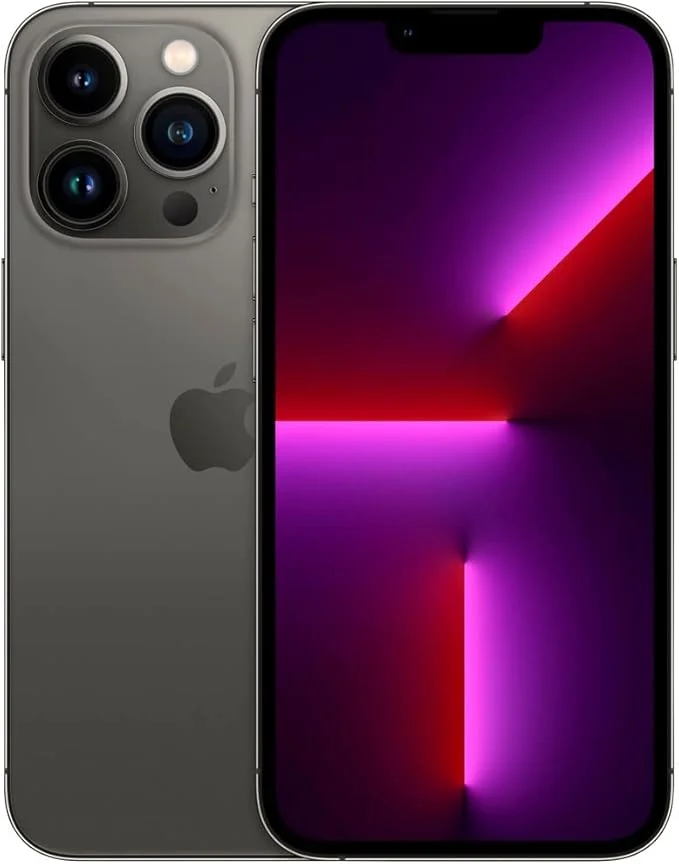
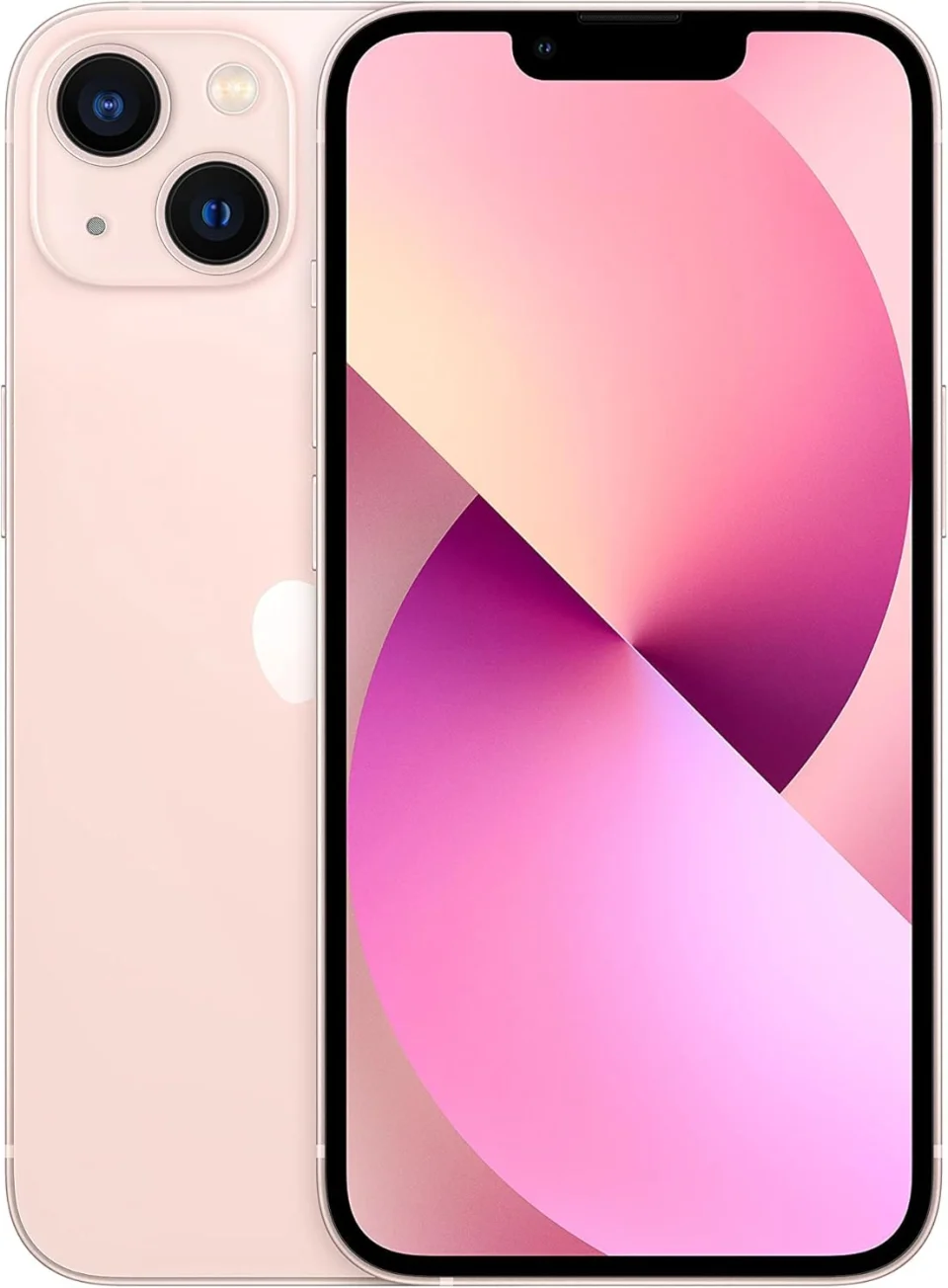
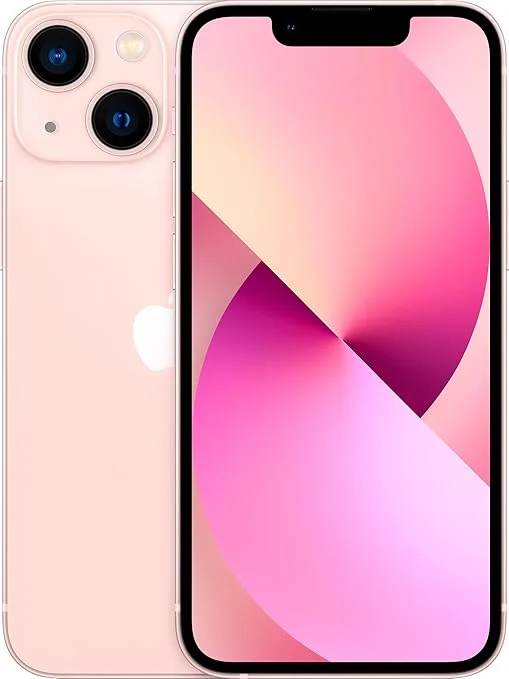
iPhone 12 Series
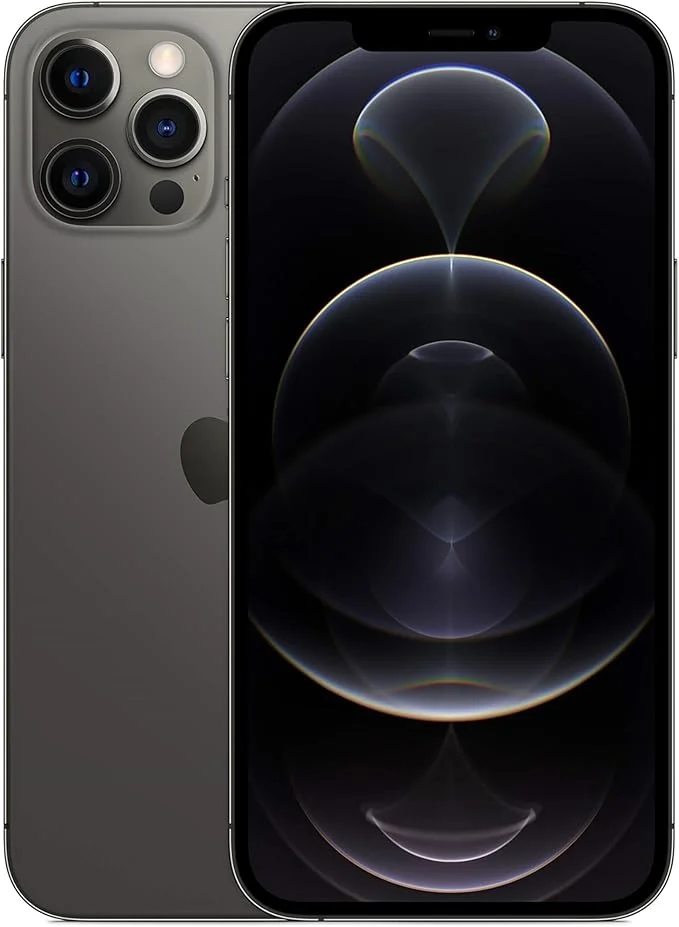
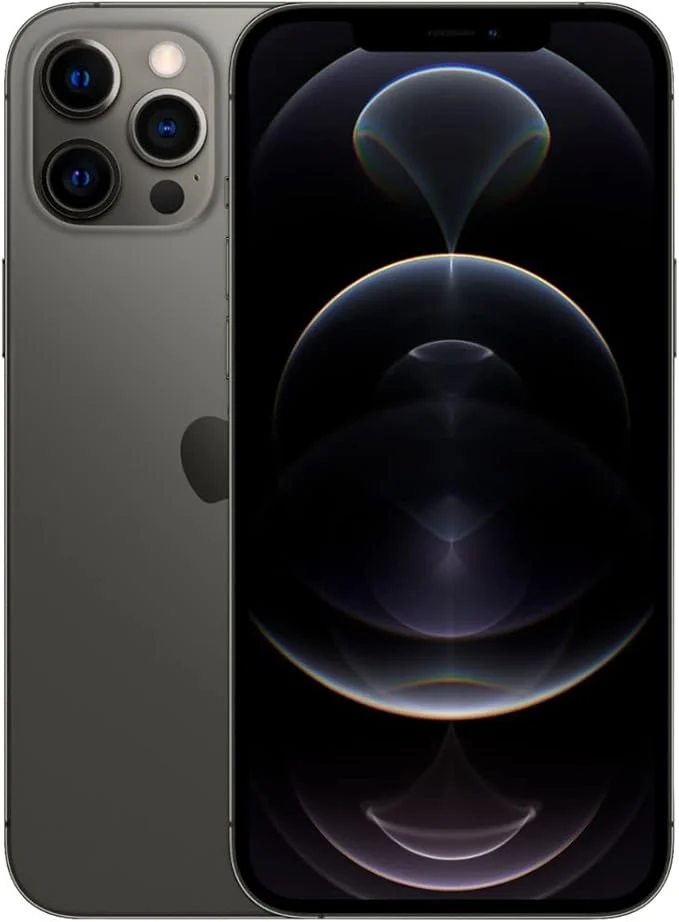
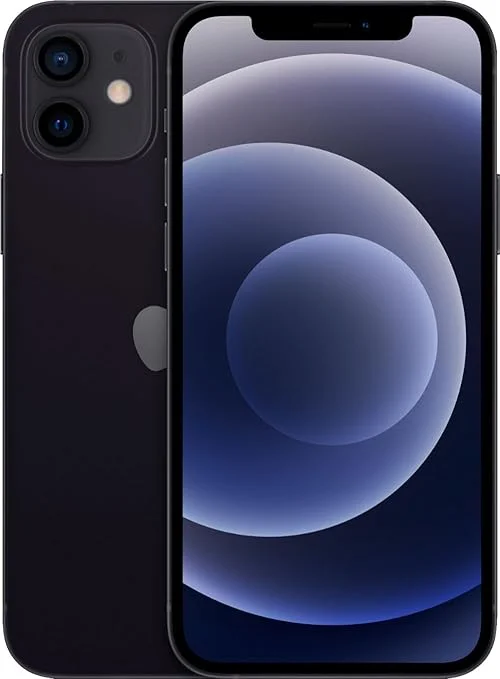
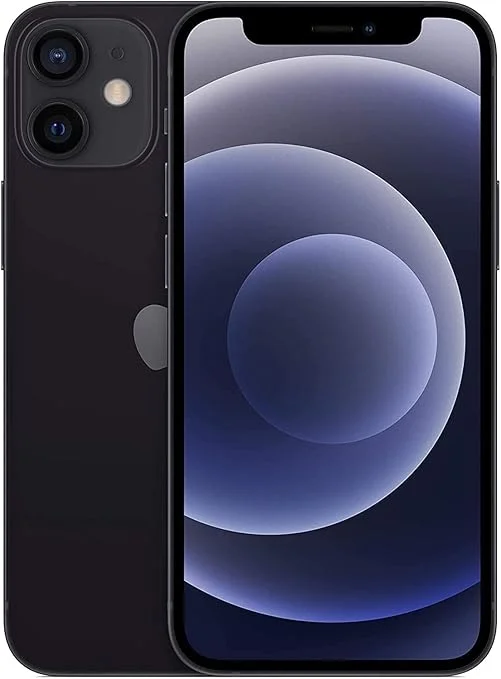
iPhone Series Trade-In Guides
Find model-specific guidance before choosing the storage and condition for your valuation.
How Selling Your iPhone to Selle Works
Choose your iPhone, see your valuation and decide how you’d like to hand it over. We’ll keep the process straightforward from your first quote through to payment.
Choose Your Exact iPhone
Select your iPhone model, storage capacity and the condition that best matches your device.
See What Your iPhone Is Worth
We’ll show your Selle valuation before you complete the trade-in, so you can decide whether you’d like to continue.
Send It or Let Selle Come to You
Use our UK mail-in service, or if you’re in Liverpool or across Merseyside, choose free local collection from your home or workplace.
We Check Your iPhone & Pay You
We’ll confirm the model, storage, condition and functionality. Once your trade-in is confirmed, we’ll arrange your payment.
Send Your iPhone with Tracked UK Postage
You don’t need to live near Selle to sell your iPhone. Complete your trade-in online and we’ll provide the postage instructions you need to send your device securely from anywhere in the UK.
Tracked Postage
Your postal trade-in uses a tracked service so its journey to Selle can be followed.
Sell from Across the UK
Our mail-in service lets you sell your iPhone even when you’re nowhere near Liverpool.
Keep Your Proof of Postage
Keep your receipt and tracking information until we’ve confirmed that your iPhone has arrived safely.
Complete your trade-in Choose your iPhone and condition
Follow your postage instructions Prepare and package the device securely
Send your iPhone Keep your tracking and proof of postage
We’ll confirm its arrival Your iPhone then moves to inspection
What Condition Is My iPhone In?
Choose the grade that most closely matches your iPhone. We’ll check the cosmetic condition and functionality when your device reaches Selle.
Excellent
An iPhone that’s been extremely well looked after with very little visible wear.
Good
A fully working iPhone with the normal signs you’d expect from everyday use.
Poor
A working iPhone with heavier signs of use or noticeable cosmetic wear.
Faulty
Choose Faulty when your iPhone has significant damage or something isn’t working correctly.
Things We’ll Look at When Your iPhone Arrives
Condition is about more than scratches. We’ll also check the important functions that make your iPhone work properly.
Display & touchscreen Screen condition and touch response
Face ID or Touch ID Biometric functionality where fitted
Cameras Front and rear camera operation
Battery & charging Battery status and charging function
Buttons & speakers Main physical and audio functions
Activation Lock Find My iPhone must be removed before sale
What Happens When Your iPhone Arrives?
Once your iPhone reaches Selle, we’ll check it against the information supplied with your trade-in before confirming the valuation and moving your order through to payment.
We Confirm the iPhone Model & Storage
We’ll make sure the iPhone model and storage capacity match the device selected when you completed your trade-in.
We Check the Screen, Body & Glass
We’ll inspect the display, frame, back glass and general cosmetic condition against the grade you selected.
We Test the Important iPhone Functions
This can include the touchscreen, cameras, Face ID or Touch ID, buttons, charging, speakers and other key functions.
We Confirm Your Trade-In
If the iPhone matches the information supplied, we’ll confirm the trade-in and move it through to payment.
Model, storage, condition, functionality and activation status.
Correct iPhone model & storage
Screen & cosmetic condition
Face ID / Touch ID where fitted
Cameras, charging & main functions
Find My / Activation Lock removed
Your trade-in can then move through to payment.
We’ll explain what we’ve found so you understand why the valuation may need to be reviewed.
How & When You Get Paid
Once we’ve checked your iPhone and confirmed your trade-in, we’ll arrange payment using the details supplied with your order.
Your iPhone Is Checked Before Payment
We want the process to be clear. Your iPhone is inspected first, the trade-in is confirmed and then your payment can be arranged.
Your iPhone arrives We receive your device and match it to your trade-in.
We complete the inspection Model, condition and functionality are checked.
Your valuation is confirmed If everything matches, your trade-in is approved for payment.
Payment is arranged Your payment is sent using the details associated with your trade-in.
Device checked and valuation confirmed.
Prepare Your iPhone Before Selling
A few simple steps help protect your personal data and make your iPhone easier for us to inspect when it reaches Selle.
Back Up Your iPhone
Save your photos, contacts, messages and other important information to iCloud, a Mac or another backup location.
Turn Off Find My iPhone
Remove Find My and Activation Lock before the device is handed over. An activation-locked iPhone cannot complete the normal trade-in process.
Sign Out of Your Apple Account
Make sure your Apple account has been removed from the iPhone before it is reset and sent to Selle.
Remove Your Physical SIM
If your iPhone uses a physical SIM card, remove it before sending the device. Keep the SIM with you.
Erase All Content & Settings
Once everything important is backed up and your account has been removed, erase the iPhone and return it to factory settings.
Package Your iPhone Securely
Use suitable padding and strong packaging so your iPhone cannot move around or become damaged while it is in transit.
Quick iPhone Checklist
Data backed up
Find My turned off
Apple account removed
SIM removed
iPhone factory reset
Device packaged securely
If you’re unsure whether your iPhone is safe to send, contact Selle before posting it.
Sell My iPhone FAQs
From battery health and cracked screens to Find My iPhone and getting paid, here are some of the most common questions about selling an iPhone to Selle.
How do I sell my iPhone to Selle? +
Choose your exact iPhone model, storage and condition to see your valuation. Complete your trade-in and either use our UK mail-in service or, if available in your area, choose our Merseyside collection service. We’ll inspect the iPhone and confirm the trade-in before arranging payment.
Can I sell an iPhone with a cracked screen? +
Yes, many iPhones with cracked or damaged screens can still have value. Select the condition that best describes the device when getting your valuation and we’ll check the damage during inspection.
Can I sell an iPhone with low battery health? +
An iPhone with reduced battery health may still be suitable for trade-in. Battery condition forms part of the device inspection and any significant battery issue should be reflected accurately when describing your iPhone.
Do I need to turn off Find My iPhone? +
Yes. Find My iPhone and Activation Lock should be removed before the device is sold. Make sure your Apple account has been removed from the iPhone before handing it over or posting it.
Do I need to factory reset my iPhone? +
Yes. Back up anything you want to keep first, remove your Apple account and Find My iPhone, then erase all content and settings before sending or handing over the device.
Can I sell an older iPhone? +
Yes. Selle buys a range of older iPhone models as well as newer generations. If your model isn’t shown in the main list above, use our complete iPhone directory to find your device.
View all iPhones →How do I find my iPhone storage capacity? +
On most iPhones you can check this by opening Settings, selecting General and then About. Your device capacity is shown alongside the other iPhone information.
What happens when my iPhone arrives at Selle? +
We’ll confirm the iPhone model and storage, inspect its cosmetic condition and test important functions such as the display, cameras, charging and Face ID or Touch ID where applicable.
What if my iPhone doesn’t match the condition I selected? +
If we find a significant difference between the iPhone received and the trade-in information supplied, we’ll contact you and explain what we’ve found before proceeding.
Can Selle collect my iPhone from my home? +
If you’re in Liverpool or across Merseyside, you can choose Selle’s local collection service. We’ll come to your home or workplace, inspect the iPhone face-to-face and pay by cash or instant bank transfer once the trade-in is agreed.
We’re happy to help with your device, condition, collection or postal trade-in.
See What Your iPhone Is Worth
Choose your iPhone model, storage and condition to get your Selle valuation. Sell from anywhere in the UK, with free local collection also available across Liverpool and Merseyside.
Clear valuation See what your iPhone is worth
UK-wide mail-in Sell from anywhere in the UK
Local collection Available across Merseyside